SEO Head & Meta Tag Guide
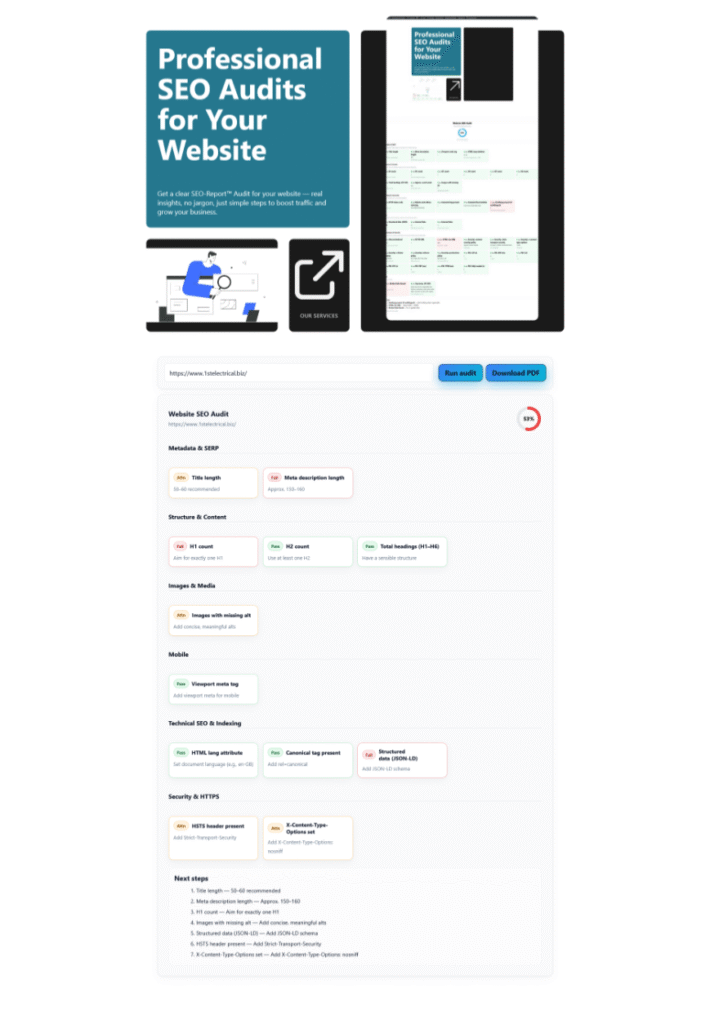
Get a clear SEO-Report™ Audit for your website — real insights, no jargon, just simple steps to boost traffic and grow your business.
FREE SEO
Download
Schedule
Optimizing Your Site's <head>: An SEO Guide
Optimizing Your Site's <head>: An SEO Guide
Optimizing Your Site's <head>: An SEO Guide
Optimizing Your Site's <head>: An SEO Guide
Optimizing Your Site's <head>: An SEO Guide
Welcome to the SEO-Report guide! The <head> section of your website is like the control centre for your on-page SEO. While visitors don’t see it directly, it tells search engines and browsers crucial information about your page. This guide breaks down the most important elements, what they do, and how to optimize them for better rankings and click-through rates.
1. The Title Tag (<title>)
1. The Title Tag (<title>)
1. The Title Tag (<title>)
1. The Title Tag (<title>)
1. The Title Tag (<title>)
1. The Title Tag (<title>)
1. The Title Tag (<title>)
1. The Title Tag (<title>)
1. The Title Tag (<title>)
What it is: The <title> tag defines the title of your page. It’s what appears in the browser tab and, most importantly, as the main blue link in Google search results.
Why it matters for SEO: This is one of the most important on-page SEO factors. It’s a strong signal to Google about what your page’s topic is. A good title compels users to click, directly impacting your click-through rate (CTR).
Best Practices:
-
Keep it concise: Aim for 50-60 characters. Anything longer will likely be cut off (“…”) in search results.
-
Lead with your keyword: Place your primary keyword or phrase as close to the beginning as possible (without sounding unnatural).
-
Be unique: Every page on your site should have a unique title tag that accurately describes its content.
-
Add your brand: It’s good practice to add your brand name at the end, separated by a pipe (|) or hyphen (-).